PS2 Emulation on iOS (iPhone & iPad) 2026
Playing classic PlayStation 2 games on iPhone or iPad is a common question among retro gaming fans. While iOS is a powerful platform, it comes with strict limitations that affect PS2 emulation.
In this 2026 guide, we explain what is and isn’t possible on iOS, explore safe alternatives, and help you decide whether iPhone or iPad is the right device for PS2 gaming.
Is PS2 Emulation Possible on iOS?
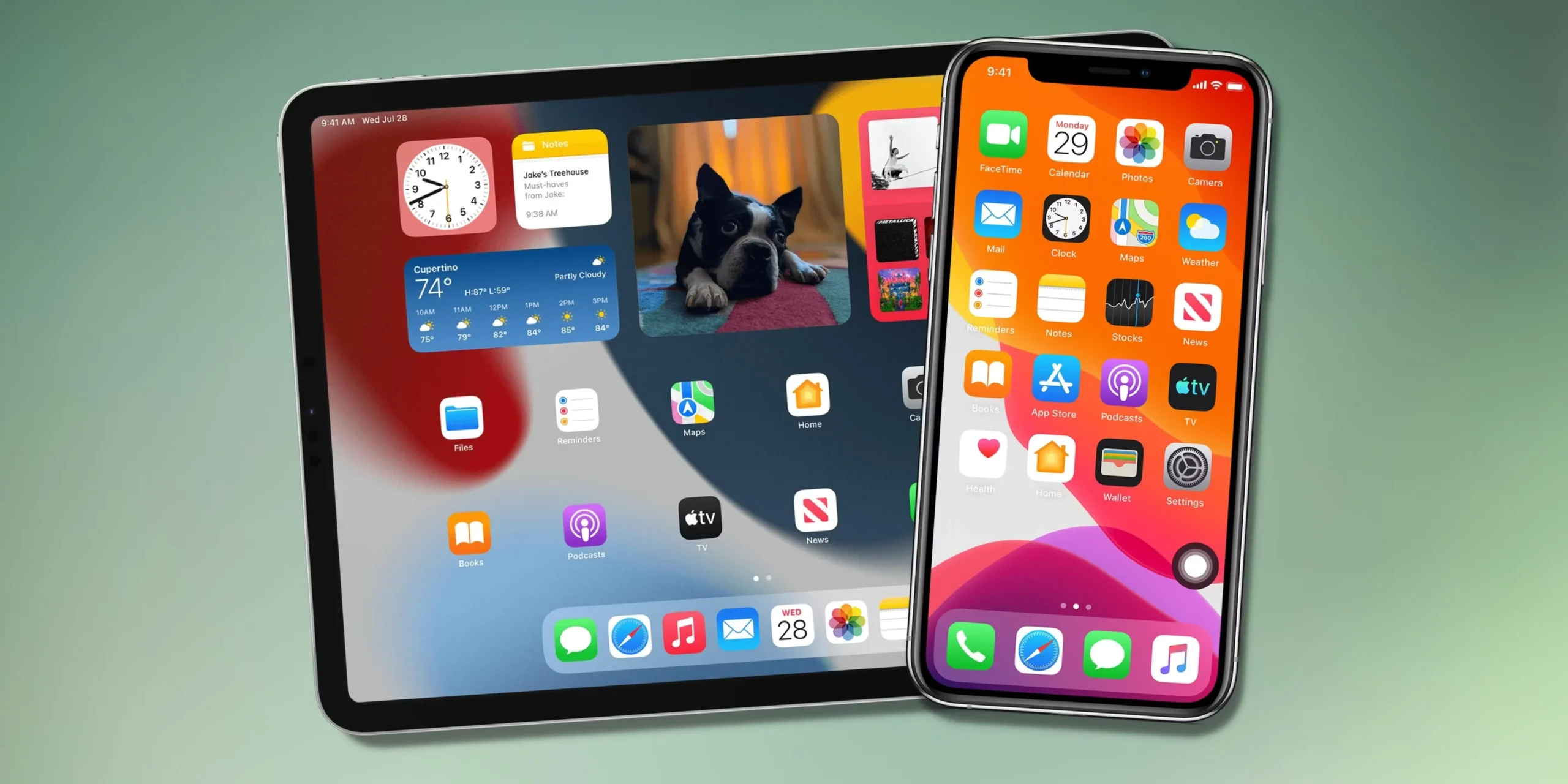
Apple’s iOS ecosystem is tightly controlled, which makes traditional PS2 emulation difficult compared to Android, PC, or Mac.
Why PS2 Emulation Is Restricted on iOS
- Apple does not allow emulators like PCSX2 or AetherSX2 on the App Store
- Apps that use JIT (Just-In-Time compilation) are restricted
- Direct BIOS-based emulation is blocked on non-jailbroken devices
Because of these restrictions, there is no official PS2 emulator available for iPhone or iPad in 2026.
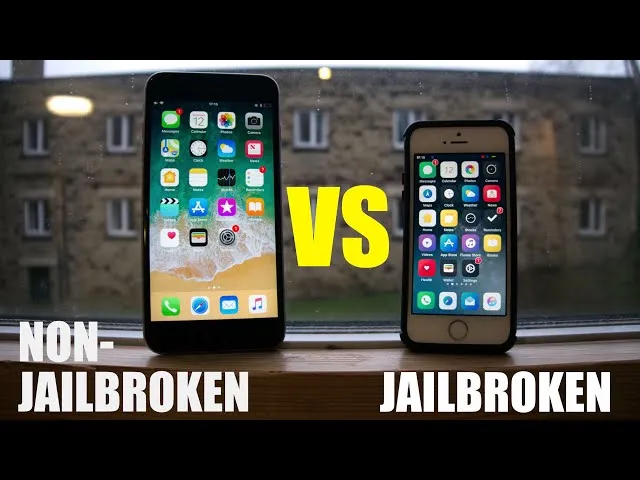
Jailbreak vs Non-Jailbreak
Non-Jailbroken iOS
- Secure and stable
- Limited emulation options
- No native PS2 emulators
Jailbroken iOS:
- More freedom
- Higher security risks
- System instability
- Not recommended for beginners
For most users, non-jailbroken iOS is safer, but it relies on alternatives instead of native emulation.
Best PS2 Alternatives for iOS (2026)
Even without native emulators, iOS users still have workable alternatives.
1. Cloud Gaming Solutions
Cloud gaming allows PS2-style gameplay by streaming from remote servers.
Pros:
- No jailbreak required
- High-quality streaming on supported services
- Works with PS4 / PS5 controllers
Cons:
- Requires fast and stable internet
- Input latency may exist
- Limited offline Gameplay
Best for casual users who want convenience.
2.Remote Play from PC or Mac
This is the most reliable method in 2026.
How it works:
- PS2 emulator runs on your PC or Mac
- iPhone streams the gameplay
- Controller connects to iPhone
Benefits:
- Legal BIOS usage possible
- Full emulator power
- Stable performance
3. Web-Based Emulation Concepts
Some browser-based technologies allow experimental emulation.
Reality check:
- Not full PS2 emulation
- Limited compatibility
- Mostly for testing or demos
Controller Support on iOS
Good news: iOS has excellent controller support.
Supported Controllers:
- DualShock 4 (PS4)
- DualSense (PS5)
- Xbox Bluetooth controllers
- MFi certified controllers
Controllers connect via Bluetooth and work smoothly with:
- Browser-based games
- Cloud gaming
- Remote play apps
Performance & Limitations on iOS
Even with alternatives, iOS has limits.
Common Issues:
- Slight controller input delay
- Device heat during long sessions
- Faster battery drain
- App crashes after iOS updates
Important Note:
iOS updates can temporarily break compatibility with some remote or cloud apps.
Who Should Use iOS for PS2 Gaming?
✅ iOS Is Good For:
✔ Casual gamers
✔ Testing gameplay
✔ Short gaming sessions
✔ Remote access convenience
❌ iOS Is NOT Ideal For:
✖ Hardcore gamers
✖ Long gaming sessions
✖ High-resolution emulation
✖ Advanced emulator tweaking
Final Verdict
iOS is not built for native PS2 emulation, but that doesn’t mean PS2 gaming is impossible on iPhone or iPad. In 2026, remote play and cloud gaming remain the safest and most practical solutions.
If you already own a PC or Mac, using iOS as a secondary screen is a smart option. For serious PS2 emulation, however, platforms like Android, PC, or Mac offer far more freedom and performance.